A data leader with practical side and a touch of humor. I stumbled into data science back before HBR convinced everyone they wanted one or wanted to be one. I've done years as an IC and as a leader, in the Bay Area and beyond. And despite that, I still have faith that data can revolutionize your company--if you let it.
Masters in Mathematical Statistics (UIC), Masters in Mathematical Computer Science (UIC), and the Masters in Statistics that I got along the way to get a PhD (Cornell) (but I left the PhD All-But-Dissertation to take a position as Director of Data Science). Yale BA, University of Chicago Data Science for Social Good Fellow, Second City Conservatory Graduate, and one of my two dogs has graduated puppy 101.
These are just some of the things we hear about data, AI, and data science everyday. By now most of us can parrot back the sentiments in loose, noncommittal terms. Some can even weave the tropes, aphorisms, and hype into sentences. Usually that’s more than enough to convince leadership to hire a data scientist or to flesh out a slide as to why those hires were so pivotal.
But beyond the pitch and the powerpoint, we can’t rely on vague-ities. Not if we want to make the most out of those hires. If we want to capitalize on what data science can offer, we need to communicate in specifics, particulars, and with common understanding.
That is what this series is for; to empower you to communicate effectively with your data science, AI, and data teams.
This series is not going to make you a data scientist–and that’s not the intention. You don’t need to know how to train a model to know what it means to do so. You don’t need to be able to engineer features to know what data scientists are doingwhen they say that. You don’t need to know what cross-validation is to know why it’s important. You don’t need to know the details to understand the idea.
If you believe you can communicate without sharing a common language, I encourage you to discuss your favorite hobby with someone uninitiated in it. See how long you can go without explaining a term.
The fact is, jargon is everywhere–and it’s particularly prominent in this field. So, yes, we “better get used to it.” But jargon exists for a reason: it enables us to communicate specific, complex ideas quickly. And this field is chock-full of specific, complex ideas. Jargon just makes those ideas easier to communicate. So, really, we ought to embrace it.
Now, data scientists have this easy; they learn the jargon while they learn the job. It’s second nature for them to use the right words to describe their work. It’s clumsy, imprecise, and generally inaccurate to translate the right words into those that outsiders will accept.
So, let’s let the data scientists use the right words.
But how can you do that? By learning those words.
For all you not-data scientists out there, I’m making a cheat sheet.
If you want to learn the jargon, instead of just reading why it’s important to learn it, look for “Talk the Talk” posts or search the “jargon” tag. That’s where you’ll find bite-size installments of a growing cheat sheet of data science terms for non-data scientist.
This walk-thru shows how to hunt down the answer to an implementation question. The example references sklearn, github, and python. The post is intended for data scientists new to coding and anyone looking for a guide to answering their own code questions.
Does sklearn’s gridsearchCV use the same cross validation train/test splits for evaluating each hyperparameter combination?
A student recently asked me the above question. Well, he didn’t pose it as formally as all that, but this was the underlying idea. I had to think for a minute. I knew what I assumed the implementation was, but I didn’t know for sure. When I told him I didn’t know but I could find out he indicated that his question was more of a moment’s curiosity than any real interest. I could’ve left it there. But now I was curious. And so began this blog post.
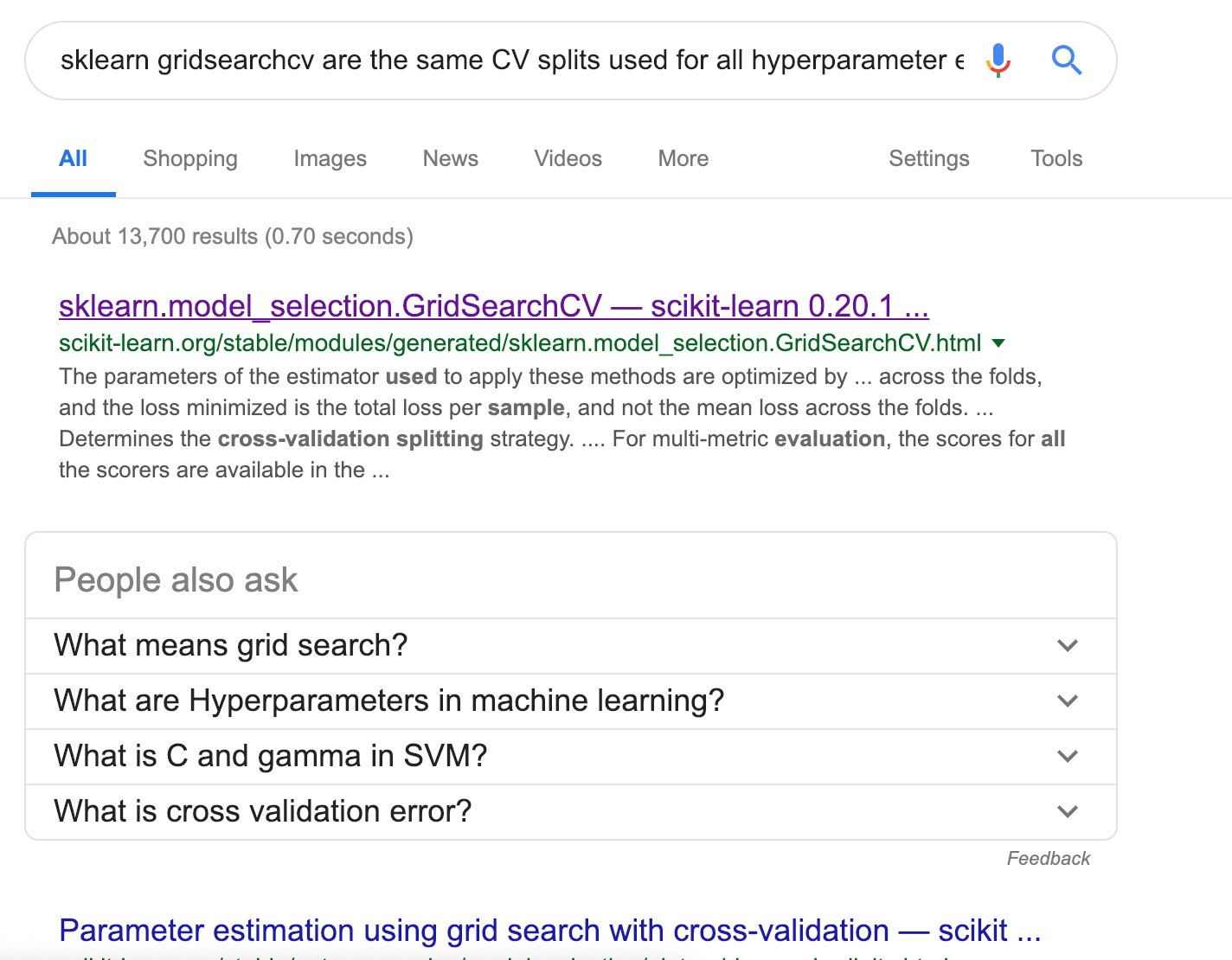
I began my research as any good data scientist does:
It’s true, this question is a little bit nit-picky. So, I wasn’t completely surprised when the answer didn’t bubble right up to the top of my google results.
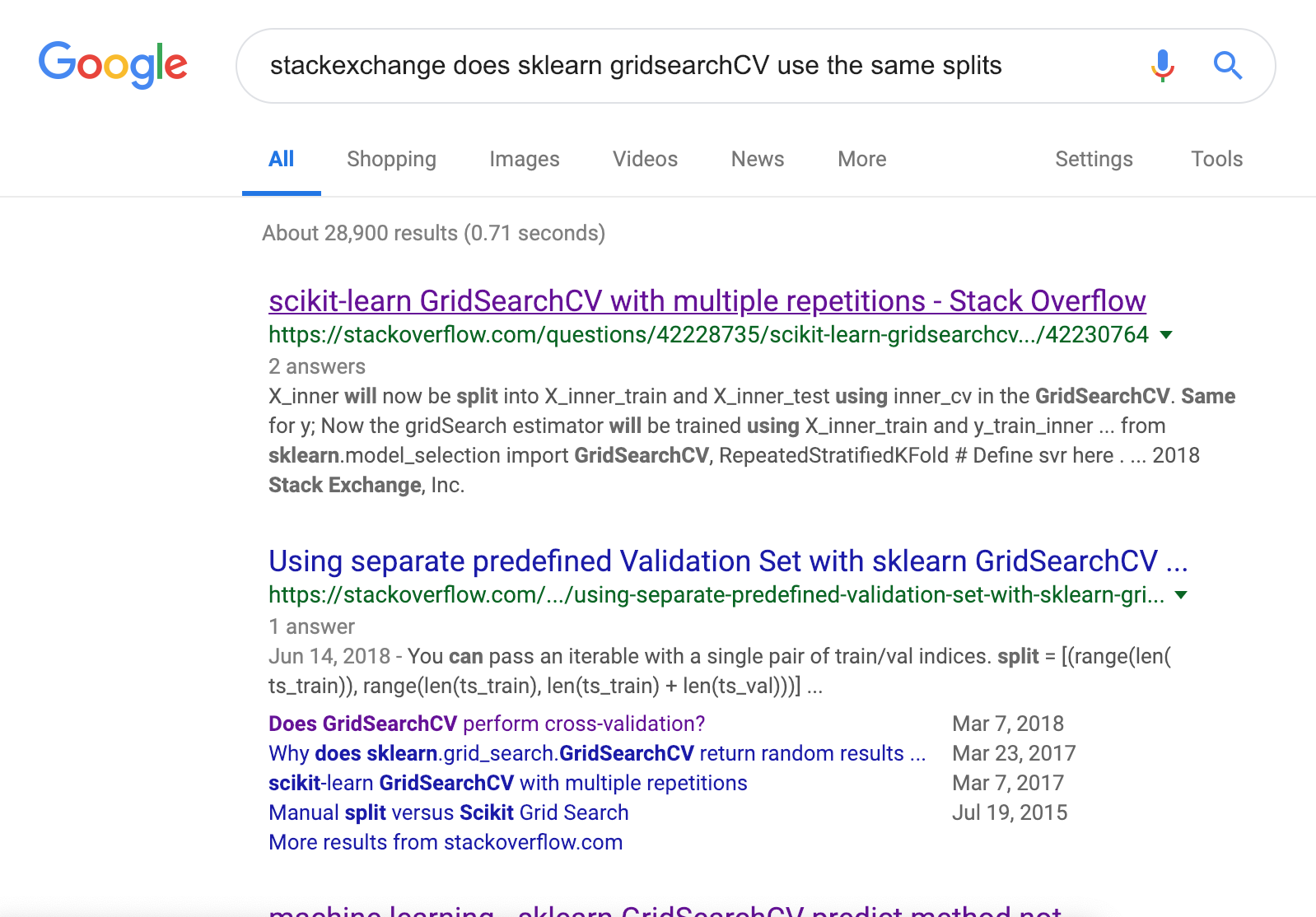
I had to break out my real gumshoe skills: I added “stackexchange” to my query.
Now I had googled my question–twice–and no useful results. What was a data scientist to do?
Before losing all hope, I rephrased the question a few times (always good practice, but particularly useful in data science with its many terms for the same thing). Yet still no luck. The internet’s forums held no answers for me. This only made me more determined to find the answer.
What now?
There’s always the option to….read the documentation (which I did). But, as often is the case with questions that are not already easily google-able, the documentation did not answer the question I was asking.
“Fine.” I thought. “I’ll answer the question myself.”
How do you answer a question about implementation?
Look at the implementation. I.e, read the code.
Now, this is where many newer data scientists feel a bit uneasy. And that’s why I’m taking you on this adventure with me.
The Wonderland of Someone Else’s Code
Read the sklearn code?!?
If it feels like an invasion, it’s not. If it feels scary, it won’t be (after a you get used to it.) But if it sounds…dangerous? That’s because it is.
…Insofar as a rabbit hole is dangerous. Much like Alice’s journey through Wonderland, digging through someone else’s code can be an adventure fraught with enticing diversions, distracting enticements, and an entirely mad import party. It’s easy to find yourself in the Wonderland of someone else’s repo hours after you started, no closer to an answer, and having mostly forgotten which rabbit you followed here in the first place.
Much like Alice’s adventure, it’s a personal journey too. Reading someone else’s code can reveal a lot about you as a coder and as a colleague. But, that’s for another blog post .
Warned of the dangers, with our wits about us, and with our question firmly in hand (seriously–it helps to right it down), we begin our journey.
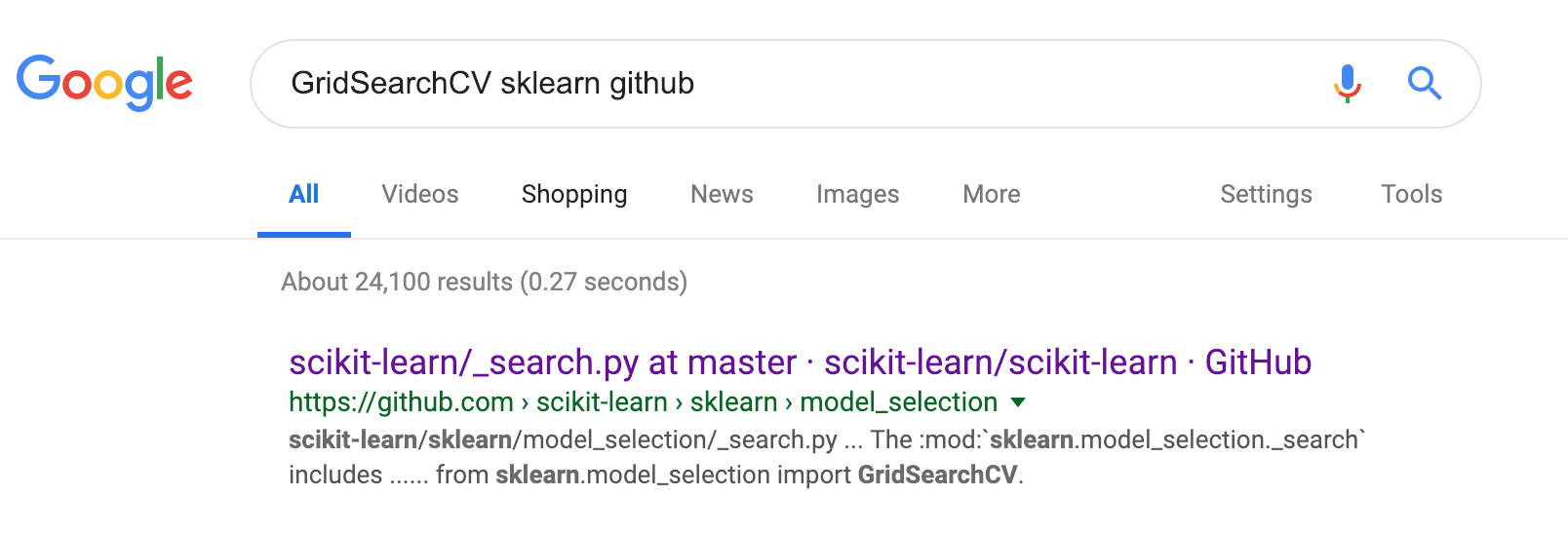
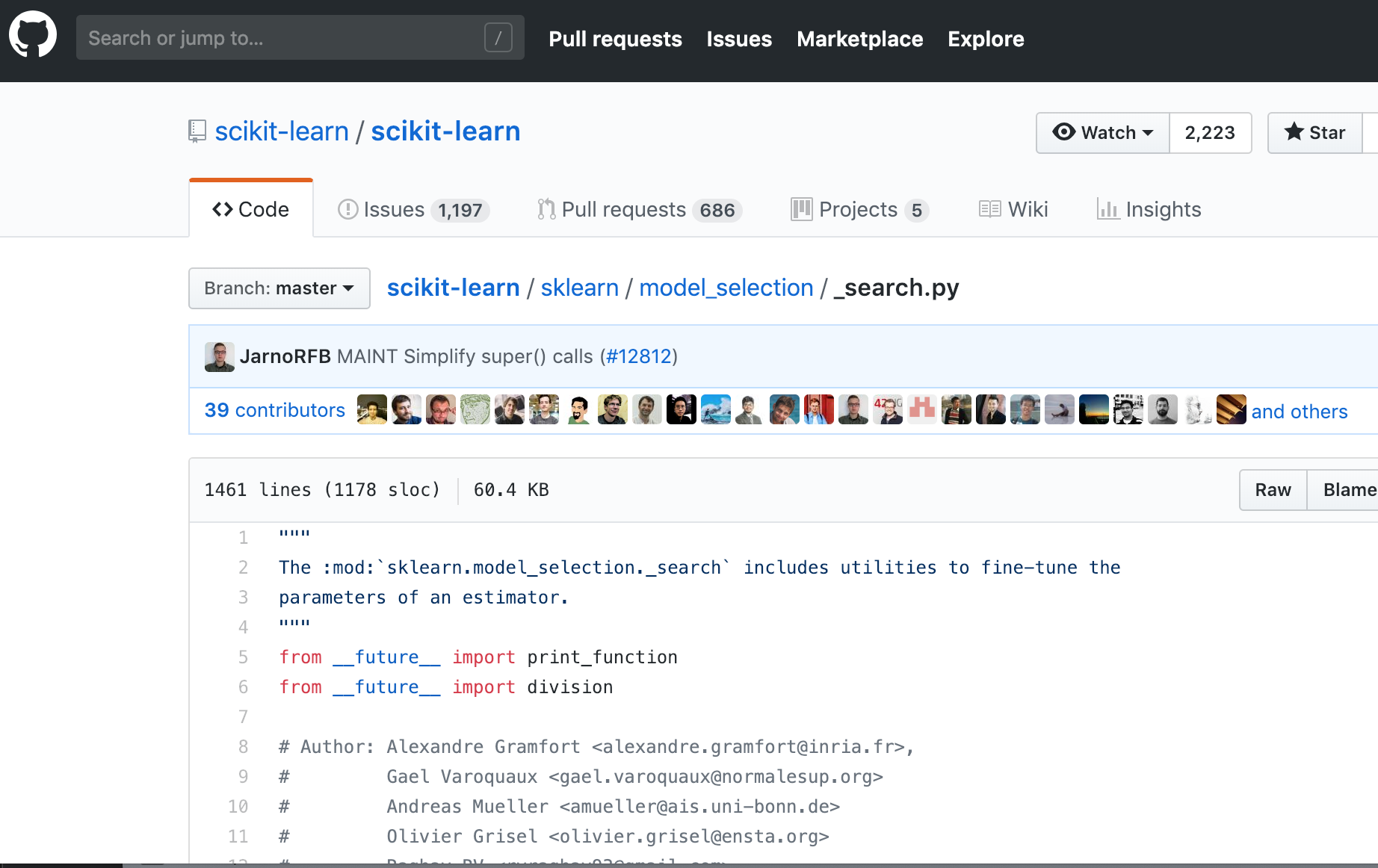
How do we find this rabbit hole of code in the first place? A simple google search of “GridSearchCV sklearn github” will get us fairly close.
We know that GridSearchCV is a class, so we’re looking for the class definition. CMD(CTRL) + F “class GridSearchCV” will take us here.
We note that GridSearchCV inherits from BaseSearchCV. Right now, this could be a costly diversion. But, there’s a good chance we might need this later. So this is good a breadcrumb to mentally pickup.
And–Great! A docstring!
Oh, wait–a 300 line docstring. If we have the time we could peruse it, but if we skim it we notice it’s very similar to the documentation (which makes sense). We don’t expect to find any new information there, so we make the judgment call and pass by this diversion.
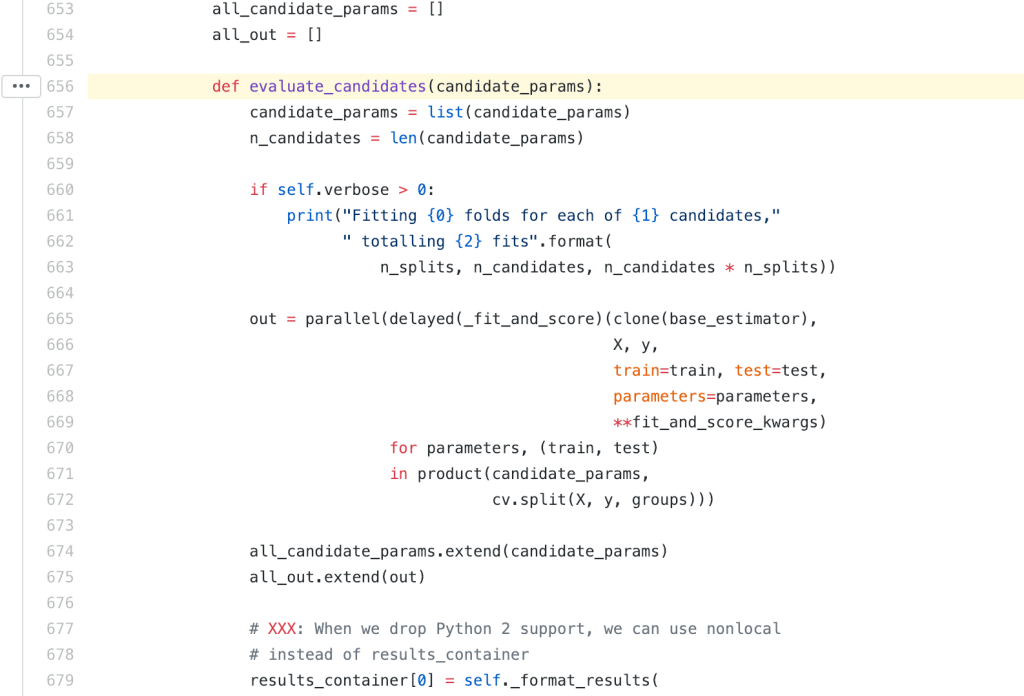
We can follow the same method of operation and search for def evaluate_candidates. With a little (ok, a lot) of scrolling we’ll see it’s a method of the BaseSearchCV class. Now, is when we pause to pat ourselves on the back for noting the inheritance earlier (pat, pat, pat).
Here we can finally start to inspect the implementation:
So….that’s a lot. After a cursory reading through the code, it becomes clear that the real work we’re concerned with happens here:
product, if you’re not familiar, is imported from the the fabulous itertools module which provides combinatorial functions like combinations, permutations, and product (used here).
There’s one product call for the candidate_params and cv.split. What does product yield? It returns an iterator whose elements comprise the cartesian product of the arguments passed to it.
Now we’ve got distractions at every corner. We could chase cv, itertools, parallel,BaseSearchCV, or any of the other fun things.
This is where having our wits about us helps. We can look back to our scribbled question: “Does sklearn’s gridsearchCV use the same cross validation test splits for evaluating each hyperparameter combination?” Despite the tempting distractions, we are getting very close to the answer. Let’s focus on that product call.
Ok, great. So we have the cartesian product of candidate_params and cv.split(X, y, groups).
From here it’s a safe bet that candidate_params are indeed the candidate parameters for our grid search. cv is cross validation and split returns precisely what we’d expect.
It might look concerning that one of the arguments passed to product is itself a call to the split method of cv. You might wonder “Is it called multiple times? Will it generate new cv splits for every element?”
Fear not, for product and split behave just as we would hope.
split returns a generator, a discussion of which merits its own post. For these purposes it’s enough to say split acts like an iterator (e.g. list).
… and product treats it the same as it would a list.
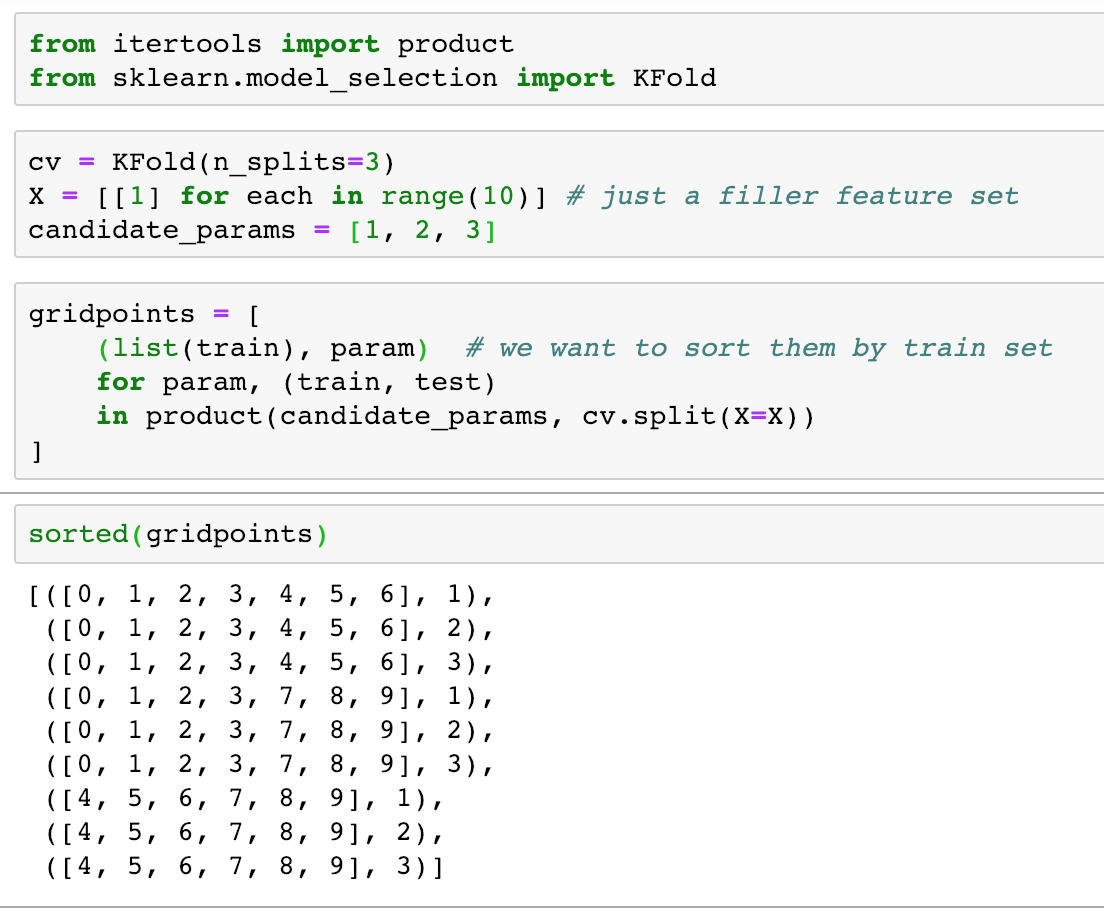
Let’s say we didn’t already know that (because we probably didn’t). When it comes to many common functions, we can often quickly test behavior with toy cases to answer our questions:
The exact same train sets for each parameter (high five!)
Great! Now all we have to do is look at this in its larger context:
It looks like delayed and parallel will help us manage this execution. We could go hunt down how they do this, and it might be a worthy journey when time is not of the essence. For right now, we’ve got our wits about us and we’ve already answered our question:
sklearn’s gridsearchCV uses the same cross validation train/test splits for evaluating each hyperparameter combination.
There we have it. We’ve answered out question (yes!), we’ve might’ve learned about a cool new module (itertools), we even bookmarked a few diversions for if-we-ever-have-extra-time (parallel, generators, BaseSearchCV,….), and we did it all without too much distraction. Maybe we can even take lunch today!
Special thanks to Damien Martin, a fellow Metis SDS, for giving my post a good once-over. You can find his blog at kiwidamien.github.io where you might want to start by reading his empirical Bayes series.






 Data Science at Work